
I am doing IT, to be more specific, Data Science. I code a lot and mostly use my computer(s) for work now. To be honest, since I started to work in front of a computer, I didn’t really open any PC games. Not that I dislike them now, but I spend so much time in fron of computers, but I don’t want a screen in my face when not working xd
Personal story aside, at this point, maybe the only thing holding you back from switching to Linux is because you can’t play every game on these systems. And when I was looking into getting a new laptop, I decided to buy one with no OS and install linux. Even though this didn’t happen, as I got a laptop that only came with windows pre-installed.
Still, I decided to start slowly transitioning towards linux. A few reasons:
- Our chief Data Scientist uses Linux too
- Many data science tools are Linux only (cuGraph, JAX GPU at the time of writing)
- Its workflow just fits me more
A smart way to transition to Linux
I decided to use cross platform, open source software, so if I transition over to Linux, I could just use the same programs I did before. This approach is used by a lot of Linux users when asked about how to transition to linux -me included- with the least amount of discomfort.
In this article, I’ll give you a quick rundown.
VLC – the G.O.A.T. of media players
Honestly? This sh*t just works, its great, can play (almost) anything, is there anything more needed?
If you really want, you can watch streams through it too….
To be completely honest, I also use this, because Windows Media Player told me to pay for codecs to play a video, and I was like „The what?”, downloaded VLC, and it played it like „Sure bro! Here…”
You can play video, audio, any media you want at this point hahaha
Definitely try VLC anyways, even if you stay, just do it…
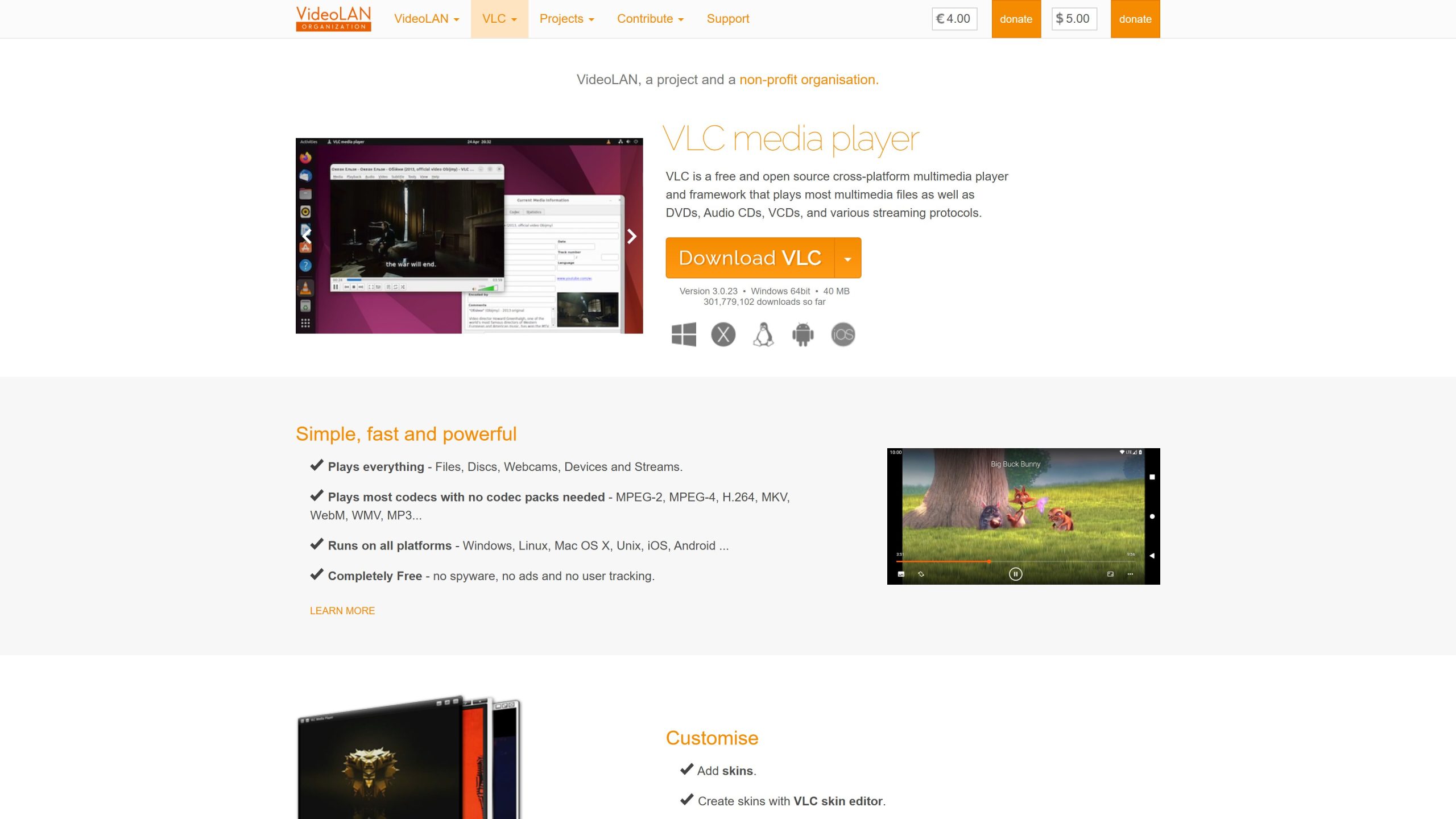
Get VLC HERE
Okular – pdf viewer that just works
This it completely mandatory, as the default browser usually has a pdf viewer, but sometimes I like a separate software with more features, and thats when I use Okular…because it is open source, and I can be sure, that noone trains their AI with my pdf’s content. Call me paranoid, but I don’t really care xd The app itself looks great, focused and clutter-free.
Great app, opens fast, I like the KDE UI, it’s just great…
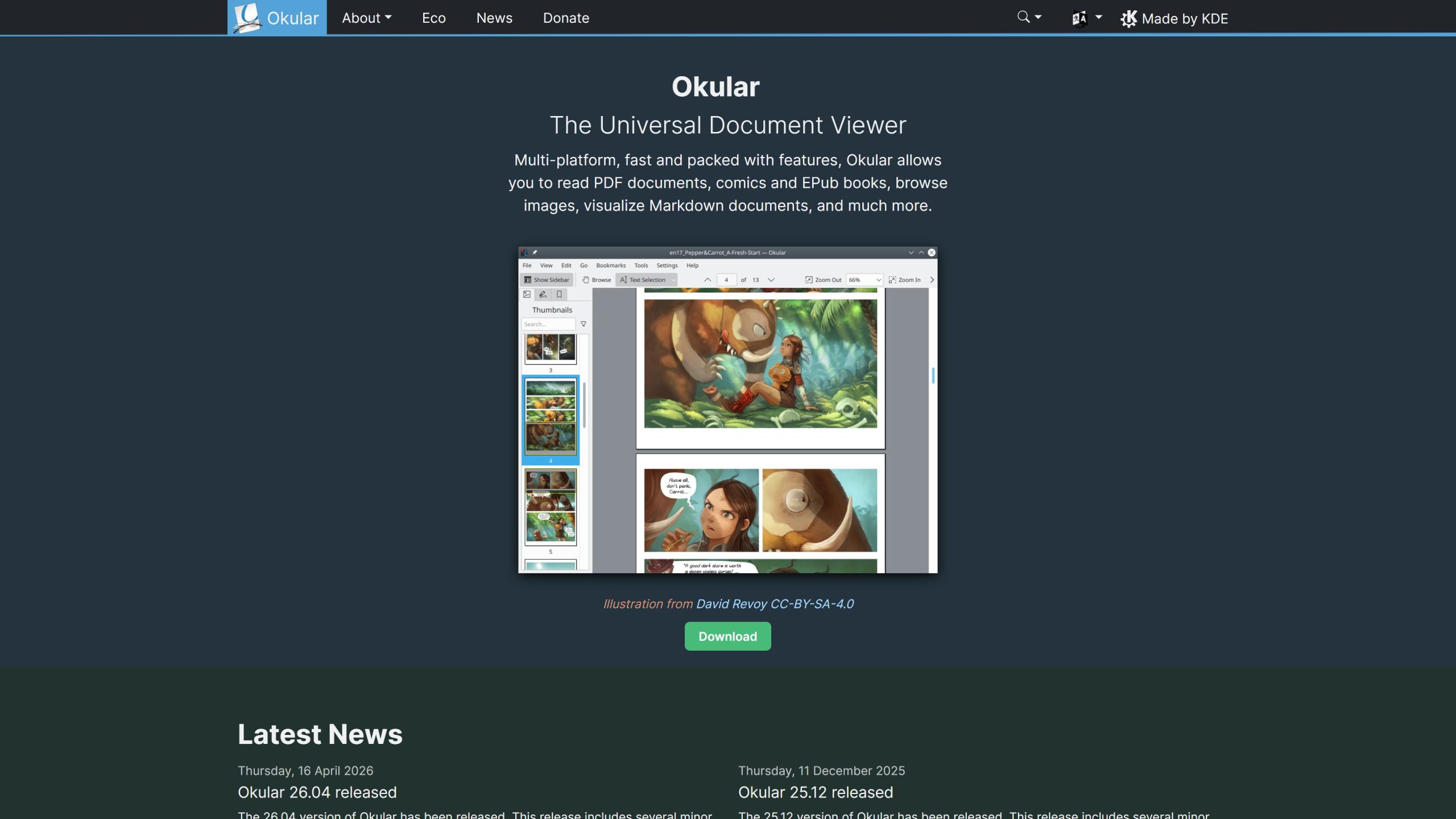
Okular’s Homepage
Brave Browser – Chromium on steroids
Let’s be real, I don’t recommend using Chrome on Linux, I recommend using something at least a bit more safe. Some people like, some hate Brave, I love it…
I started using it a lot during COVID in 2020 and when I upgraded to a PC in 2024, it was the only browser I had (and needed), same for my laptop. You can install it on linux, has a great adblocker, good privacy defaults and to be honest with you, I like Brave Search too, as it’s independent from big indexes.
If you prefer something made in Europe, I wrote an article about that, which you can read HERE.
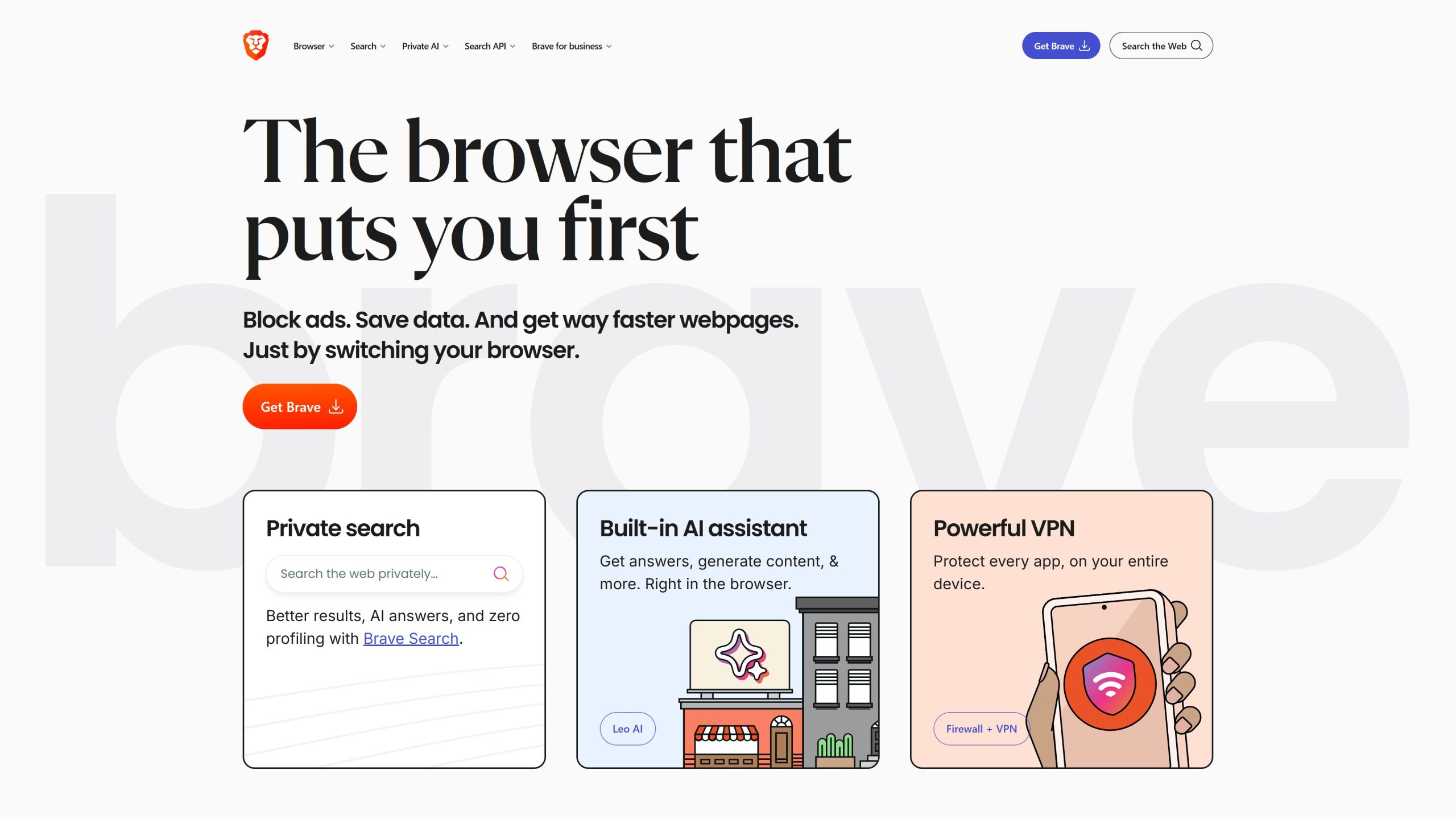
Brave Broswer’s official page
KeePassXC – The good old password manager
Let’s be honest, keeping your passwords safe is so important, especially as we use very long and strong passwords for production systems. To keep track of all of those, I use KeePassXC. It has great UI, I can add my passwords easily and there are a few ways I can input them. Either open the record and click on the copy icon near the hidden password, or use their browser extension, that can detect input fields and manually fill your credentials…
Love it, use it a lot, can use a lot safer prod passwords, so it is a win for me…
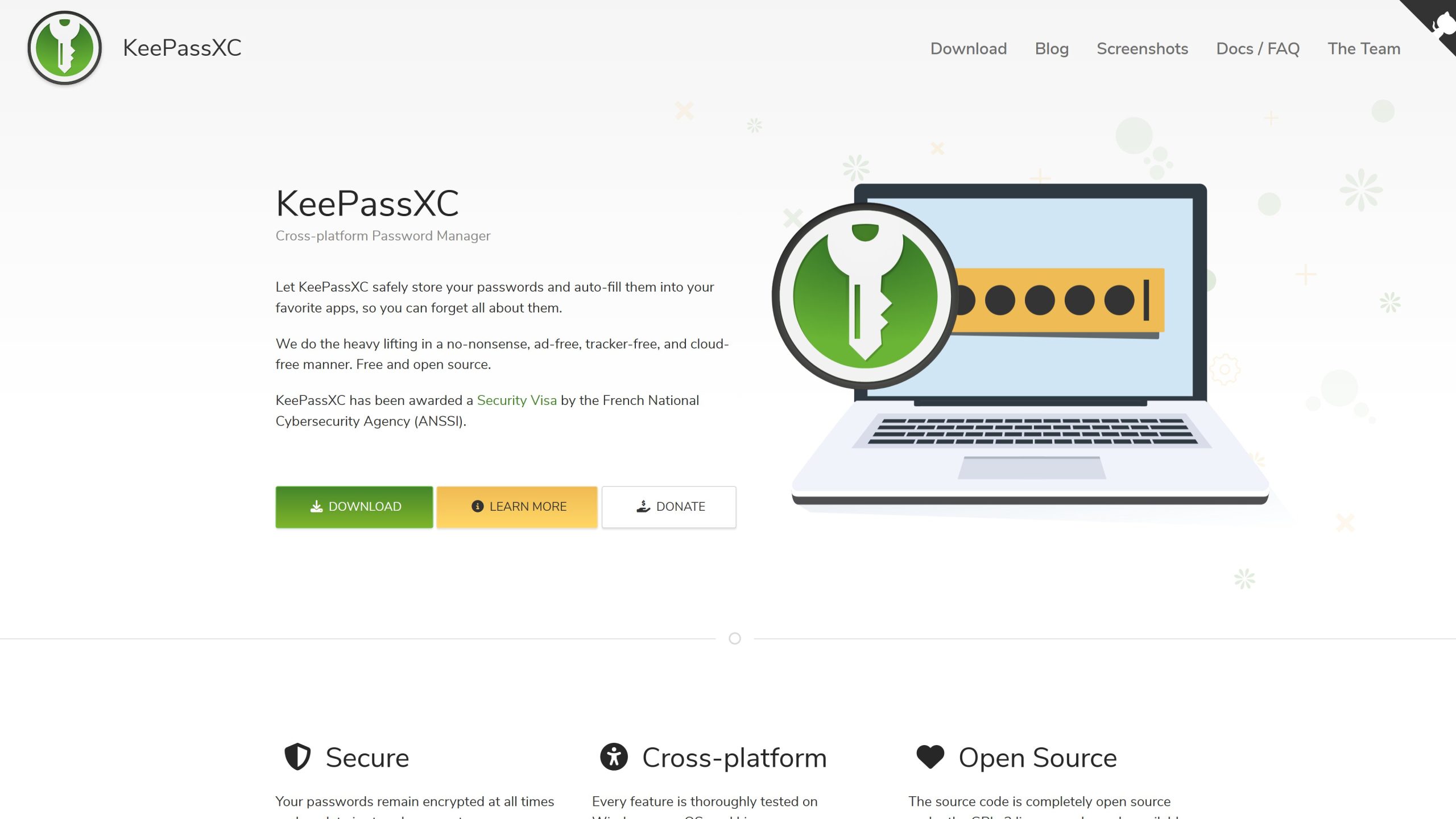
You can download KeePassXC from HERE
LaTeX – A new, more mature way to write my Master’s thesis
During my Bachelor’s thesis, I wrote it all in the well-known Word. Then the problem came: inserting a new picture, moving it by .1 mm and it messing up my whole layout…
Like, I remember spending 1.5 hours making the cover page and after I told my supervisor later on, that a template would’ve been good, he told me, that he has one, but it is a LaTeX template and noone wanted to use it, but its plug and play…
I decided to use that for my second thesis…to be honest, it didn’t work for me out of the box, so I made a template into OverLeaf using ChatGPT, set the compiler to LuaLaTeX, and iall it took was 10 minutes to have the code block template, the coverpage, and everything else ready…
Of course I could use LaTeX on my PC, but this makes it a lot easier, and I can add my supervisor as a collaborator. For me, all of this is a huge win…
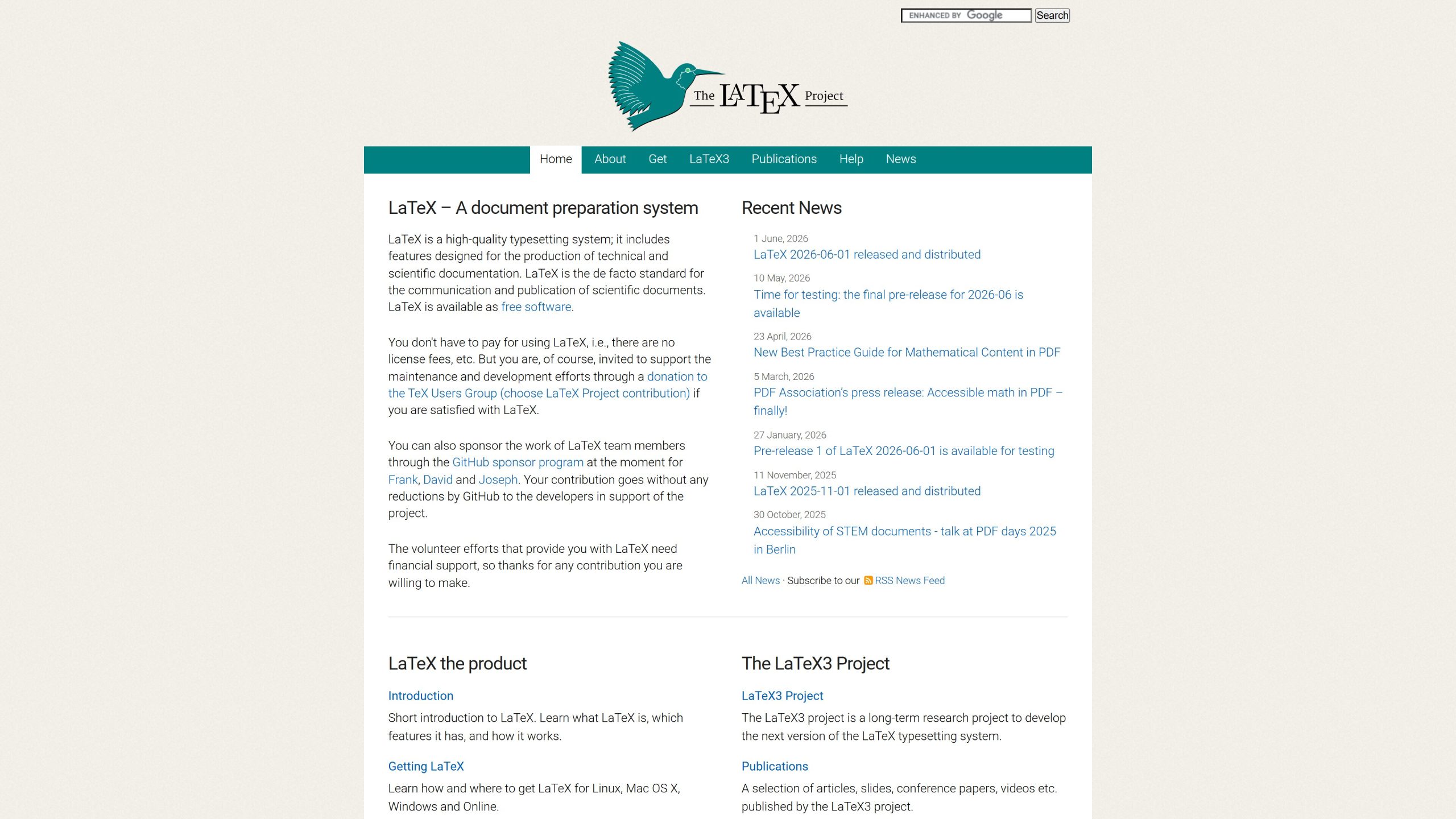
LaTeX homepage
Obsidian – Note Taking & Productivity with privacy
Since 2022, I have been usng Obsidian to take notes and oh man, oh man, it matured a lot. You can now add kanban boards, typst, LaTeX and everything you could dream of into one great app. I use it to take notes during classes, office days, and manage tasks, even my Spanish vocabulary…
To be honest, I manage them with MEGASync, as I registered early to MEGA and I got the 50 GB plan for free and I use that to track my non-sensitive university stuff (like slides, notes, etc) and that also tracks my notes, as Obsidian uses markdown, and text files are so much safer to sync. But if you feel like, you can just use git to share them between devices, I just started using Obsidian earlier, than I could use git well hahaha
Besides, in the last few months, it became increasingly popular, as something highly popular uses Markdown too: AI agents! The fact that Obsidian notes can be arranged into a graph using links, this made Obsidian an excellent knowledge store for these agents. I just hope this new way of usage won’t deter the developers from the main objective of this app: being an excellent note taking app…
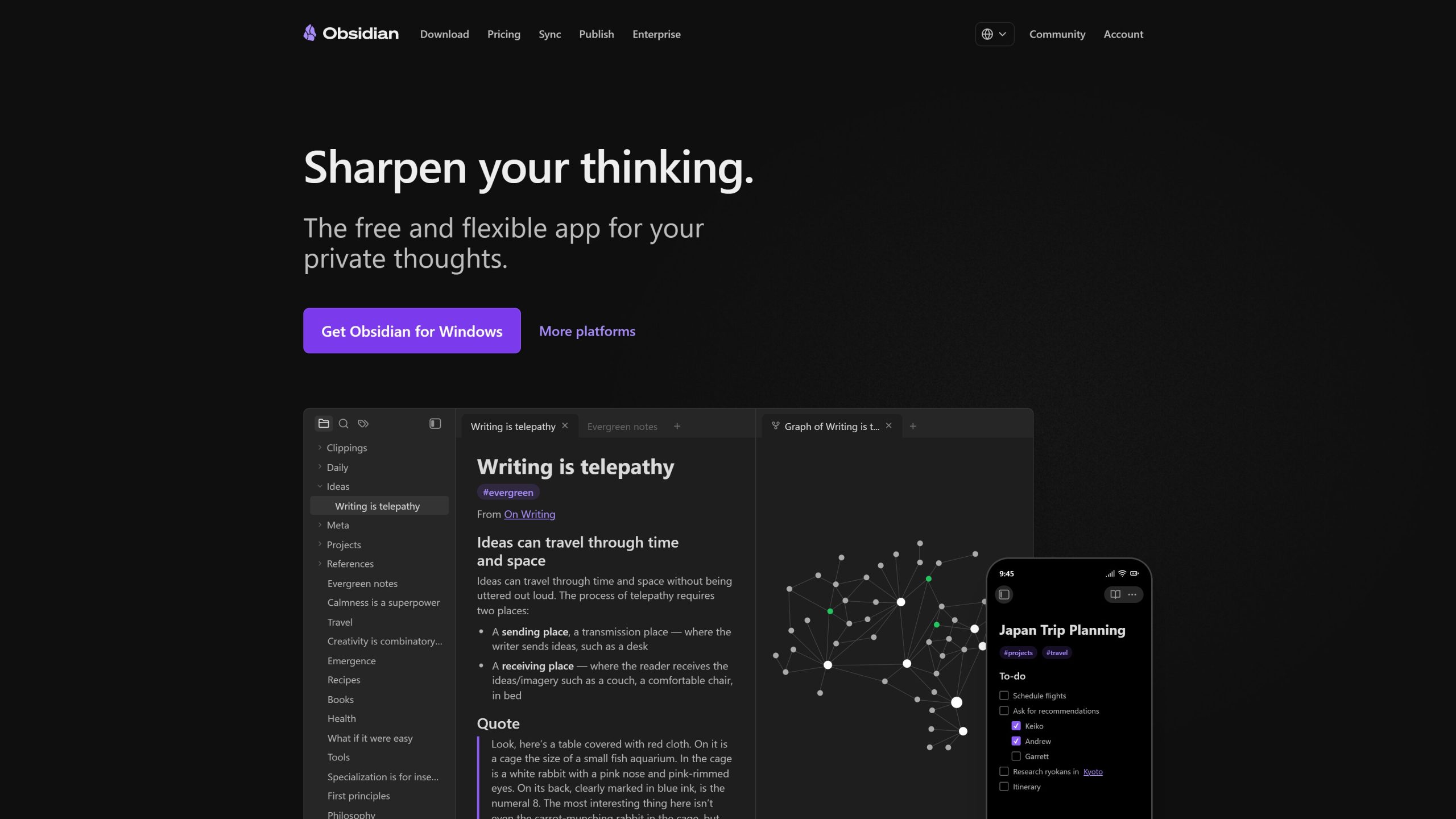
Obsidian is available HERE
Kdenlive – Simple video editor
As sometimes I create video content too, I needed a well-versed tool for editing, that can get the job done and has everything I need.
I went with Kdenlive -also a KDE product- and it is a great, free tool to use for light/medium video editing.
I use it for easier tasks, such as: cutting out bloopers, blurring faces, reversing and slowing clips. Honestly, this is eanough for most people, but if you need something more professional, I recommend DaVinci Resolve.
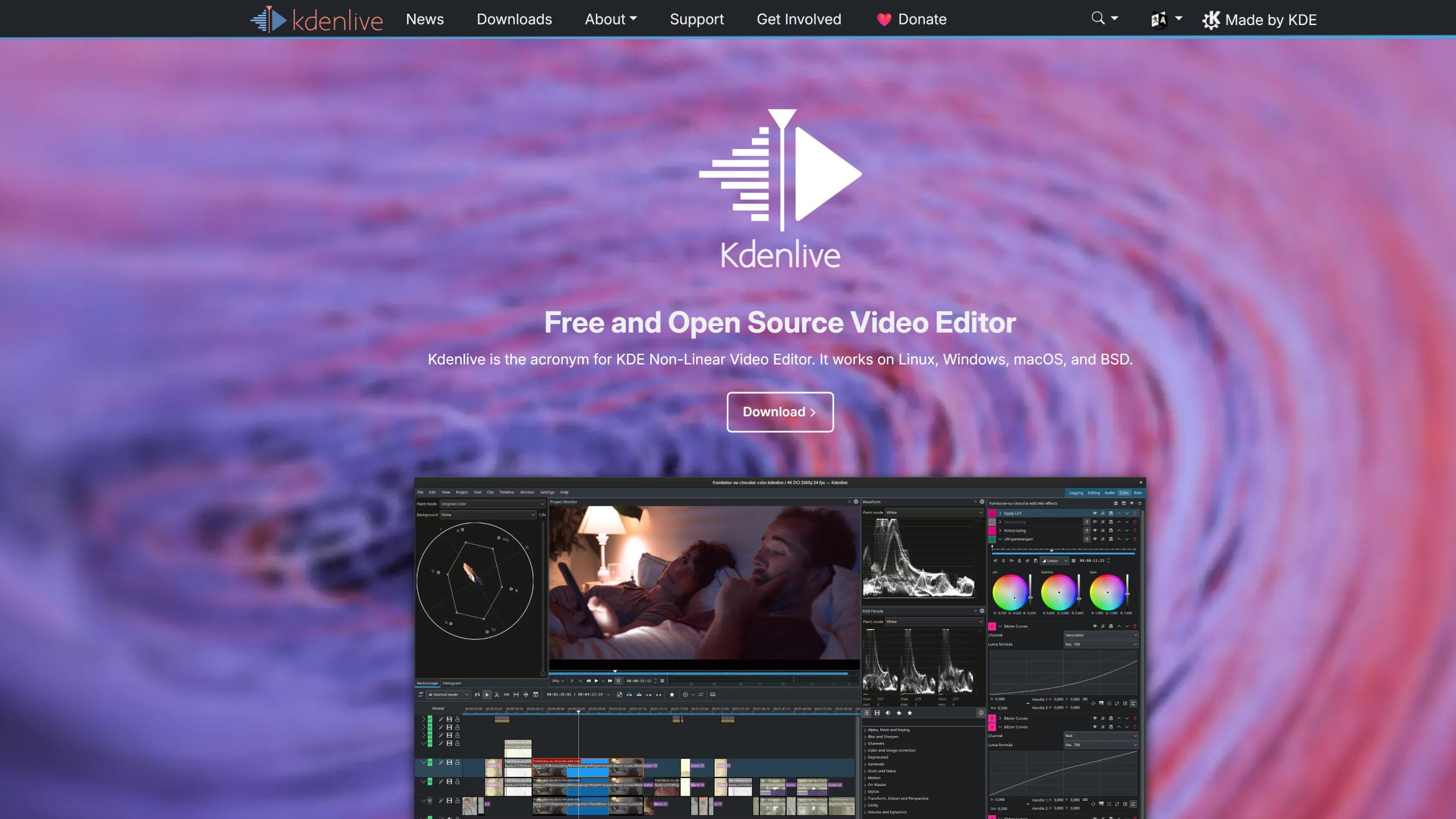
Kdenlive’s Official Page
Audacity – Audio editing for everybody
I use Audacity since 2016, I think and it is one of my favourite tool to clear noise from a video or just make the audio more enjoyable. Great free tool, easy to use, they have an excellent translation and a super handy UI. You can import audio from a video file, export to all kinds of formats, join audio files together, turn mono track to stereo, not to meantion the surprisingly big arsenal of effects available out of the box. For lightweight, occasional audio editing, Audacity is one of your best bet!
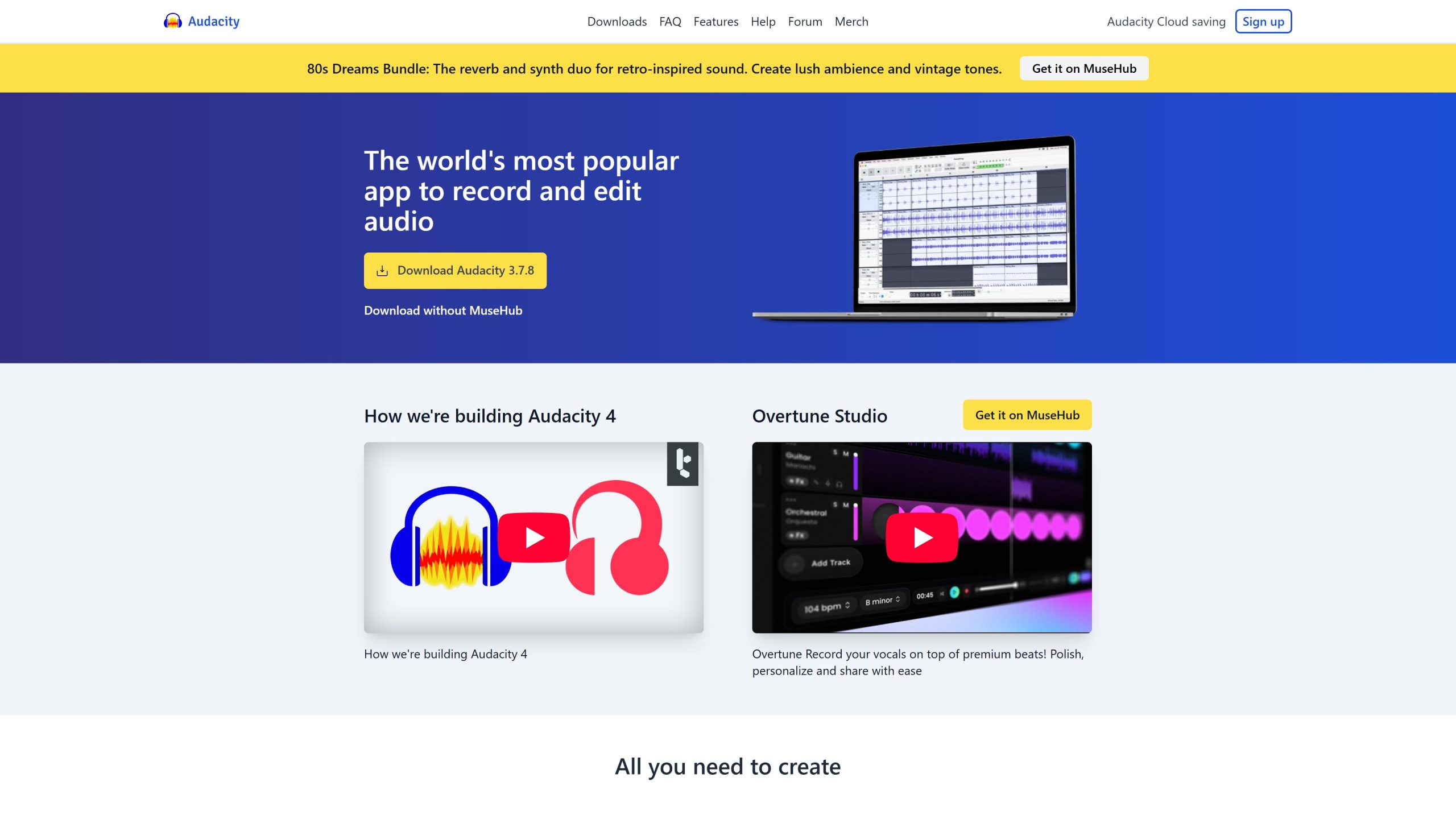
Get Audacity HERE
LibreOffice – The king of free office suites
After my university’s MS Office licence got cancelled, I decided to make the switch to LibreOffice. It is by far the most known and most open office suite available, it is well-translated. Not to mention the huge effort they put into the popularisation of the ODF document format (read more about it HERE), to liberate documents from vendor lock-in.
It can also export straight to epub, which I love and you might enjoy it too, if you’re planning to write and self-distribute ebooks!
I believe LibreOffice is great for most use cases, when I need formulas for example, or highly complex formatting, I just go for LaTeX…
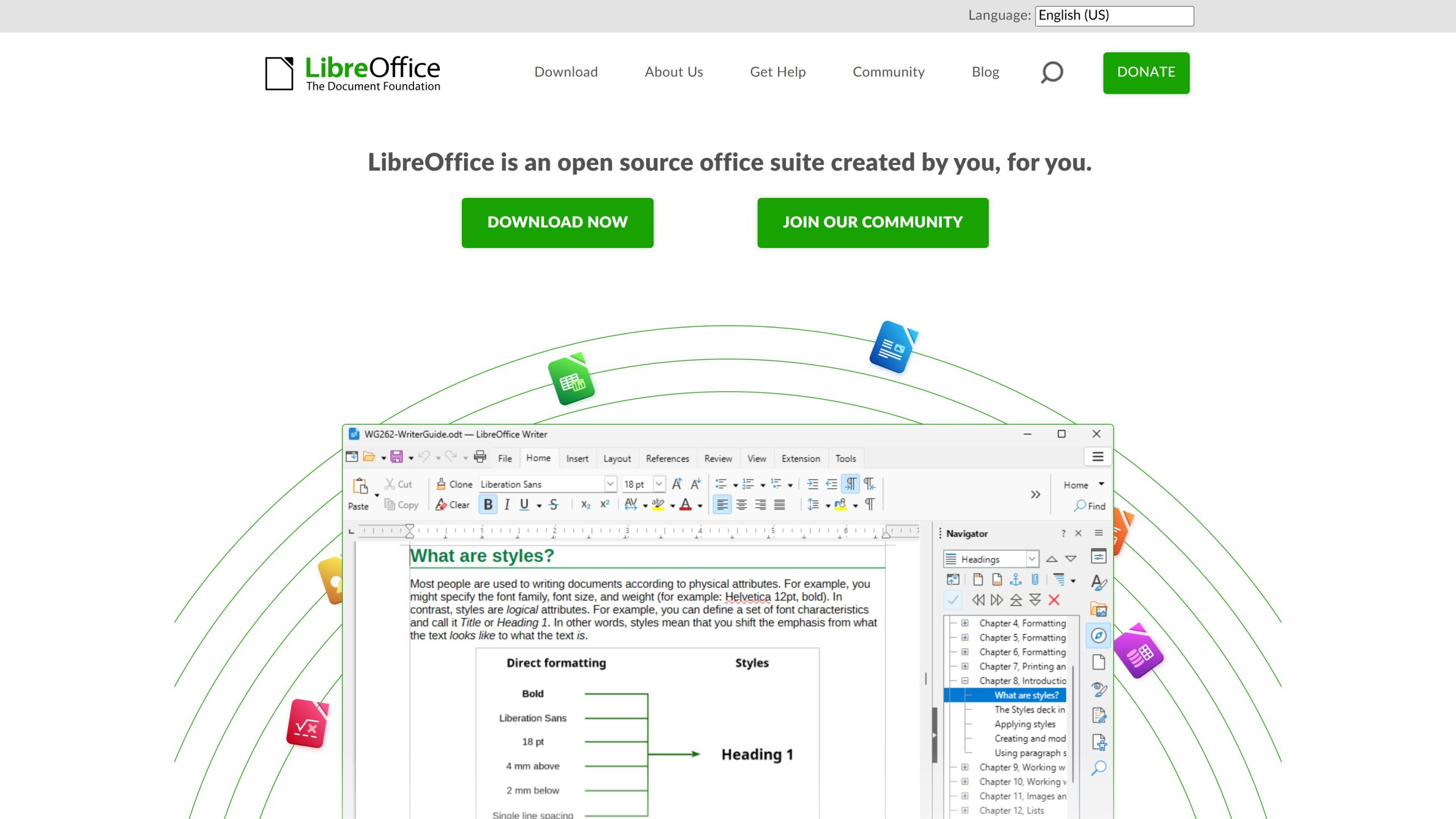
Get LibreOffice from libreoffice.org
Pinta – Paint alternative
The most capable MS Paint alternative I could find is Pinta (GIMP is used as an alternative too, its just that it has much more features and I wanted a Paint-style more casual software). It is fairly good, I can easily do quick edits to my screenshots, which is almost everything I use image editors (for example, cropping the second monitor’s content from my screenshot).
Pinta’s official page
Conclusion
So, this has been the tools and alternatives I started using to prepare myself to the Linux transition. I hope you liked it and decide to start your journey into Linux. I hope your development journey will be smoother too!
If you prefer some European alternatives of some software mentioned in this article, you can find them by clicking this link.