
Introduction
Even though I unfortunately needed Microsoft’s compatibility during my university studies, as those years came to an end (along with our university licence that was valid for downloadable Office 365 too), I decided to take action.
For a good 8 years now, I have used LibreOffice off and on (one of my older machines I took to university had linux) and if it wasn’t for co-working with peers and my thesis supervisor, I wouldn’t have taken the time to deal with activation and all the other hassles, that come with installing the MS Office ecosystem. The truth is, nothing can edit Microsoft-governed document formats as good as their products.
But what if I told you, there is an alternative? One, that won’t lock tie you down to one single vendor…
There is, it’s called Open Document Format (ODF for short), is an open file format allowing you everything Office’s OpenXML (which is still heavily influenced by Microsoft) can: word processing documents, spreadsheets, presentations and graphics using ZIP-compressed XML files. It was developed with the aim of providing an open, XML-based file format specification for office applications.
You might ask me why exactly am I writing about all that now…its because not so long ago it was announced, that Germany’s Sovereign Digital Stack Mandates ODF
Why is this mandate important?
Published by the German Federal Ministry for Digital and State Modernisation (Bundesministerium für Digitales und Staatsmodernisierung), the Stack establishes technical standards for a shared, interoperable and sovereign digital infrastructure to serve all of Germany’s public administrations.
Since the popularisation of Open Source we heard of more and more cities and governments switch to these open alternatives, such as LibreOffice, cutting their needless expenses without sacrificing little to none of the used functionality.
Yes, there are fields where LibreOffice might not be the very best fit, but let’s face it: for creating the continuous text of legal documents without much extra flashy design (especially that offices tend to just print in black and white), LibreOffice is perfect. No company spying on you, no pricey licence. You download it and there you go! No need to wait for your company to give you a licence, or to activate programs using shady scripts.
Why ODF?
ODF is open, vendor-neutral, which means it can be used across different software platforms without compatibility issues. This ensures consistent document handling, system compatibility, and long-term accessibility of official records across all public institutions.
It also aligns with broader European efforts to promote interoperability, such as the European Interoperability Framework and the Cyber Resilience Act. By adopting ODF, Germany reduces its reliance on proprietary document formats controlled by single vendors, preventing “lock-in” effects, where public administrations become dependent on specific software providers, potentially compromising their autonomy and control over digital infrastructure.
It’s easy to see why that can be a huge problem: if the vendor you are tied to raises prices, you can’t do anything else, but embrace the increasing costs, whereas open standards like ODF ensure that documents remain accessible and usable regardless of the software used. The program they used got abandoned? Okay, another team already forked it we can just open the files with that program from now on…
ODF reduces risks such as content loss, workflow disruption, and incompatibility. Proprietary formats can become obsolete, restricted, leading to potential data loss or increased costs. This keeps your documents safe from a mega company who suddenly decides to abandon a format, which is critical for areas such as governments.
What is the difference?
In the table below, I compare the file formats belonging to the two formats:
| File Type | ODF Extension | OpenXML Extension |
|---|---|---|
| Text Document | .odt | .docx |
| Spreadsheet | .ods | .xlsx |
| Presentation | .odp | .pptx |
| Graphics | .odg | N/A |
| Database | .odb | N/A |
| Formula (Math) | .odf | N/A |
| Master Document | .odm | N/A |
As you can see, ODF supports even more file types: graphics, formulas, databases. To be honest with all of you, using an open format feels like a breath of fresh air. I don’t need to worry anymore about a company making its mind and suddenly dropping support for my files at the next release of their office suite. You know, even though a company says a software won’t have any new major releases just updates for the current one, they can still be wrong from time to time.
How do I try ODF?
Even though MS Office supports ODF, to try out open software as a whole, I recommend trying out LibreOffice. Just download, install it and just launch either the LibreOffice app, or the specific app you’d like, let’s say, writer. (I already wrote about LibreOffice in THIS post)
LibreOffice can use OpenXML, but by default, it’s set to ODF. There you go, using ODF! Have fun!
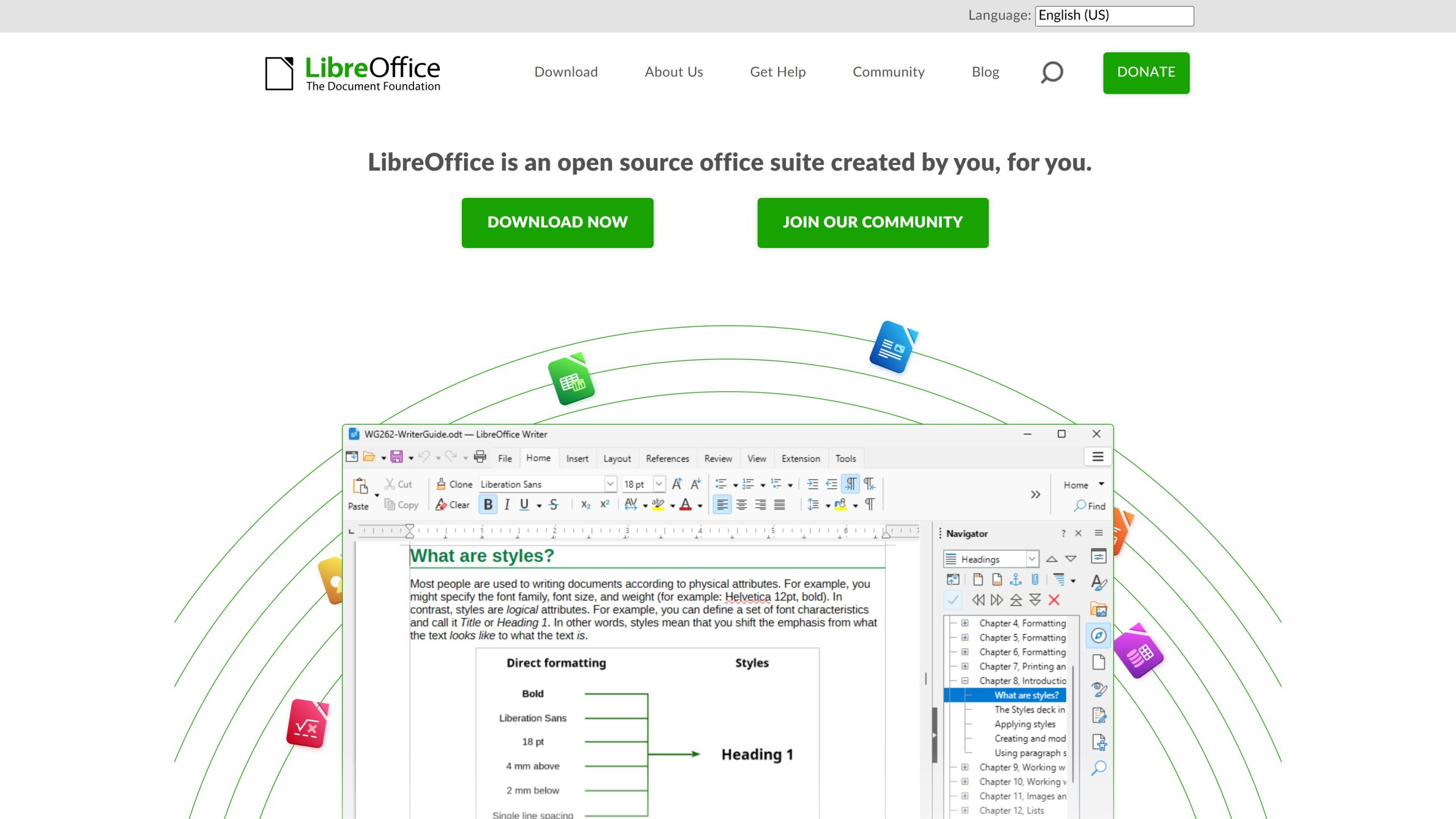
Get LibreOffice and to ODF formats from libreoffice.org
My experience
I’ve been using ODF formats, especially .odt for writing my personal documents. To be honest with you, when opening it in LibreOffice I find them opening quicker and I can tell you, they work just like OpenXML formats. I feel no difference, apart from the freedom from the risk of being locked in. If I exchange documents, I usually either send pdf and I use LaTeX (which I already mentioned in this post) when working with my supervisor. The only time I touch OpenXML formats is when I send my boss at work some Excel sheet he requested.
I can’t recommend trying out ODF formats enough, it’s just great, feels the same as the well-known formats and the only way to popularise truly open solutions such as this format.
Conclusion
To sum up, the slow but growing adoption of the ODF format is a great sign that people are starting to embrace truly open, technologically sovereign formats. These reduce the risk of vendor lock-in and, in my opinion, should be the cornerstone of any Technological Sovereignty plan. Try it out and see for yourself!