
During the summer, to shift my focus from 24/7 tech, I decided to learn something creative and one random sleepless night, at 2 a.m., I decided on screenwriting. As I took a look at the softwares available, I quickly saw how pricy things can get really quick. Sure, there are web-based apps, or open source apps, such as Trelby -which is an awesome app, so if you like it, by any means, use it!-, but I’m coming from tech, of course I want to stay as close to my programming roots as possible.
As I was looking around, I stumbled upon a great option: Fountain.
Introduction to Fountain
In short, Fountain is like a Markdown for screenplays. It’s a plain-text file with special syntax to differentiate parts of a screenplay. Just like with a Markdown, Fountain files can be converted into a pdf using a simple cli app. Fountain files are usually saved with a .fountain extension. As I mentioned earlier, lightweight rules identify scene headings, action, character names, dialogue, transitions, notes, and title-page details.
Here is a snippet of Big Fish (John August, 2003, TMDB) from the official Fountain website:
Title: Big Fish
Credit: written by
Author: John August
Source: based on the novel by Daniel Wallace
Notes:
	FINAL PRODUCTION DRAFT
	includes post-production dialogue
	and omitted scenes
Copyright: (c) 2003 Columbia Pictures

This is a Southern story, full of lies and fabrications, but truer for their inclusion.

====

**FADE IN:**

A RIVER.

We're underwater, watching a fat catfish swim along.

This is The Beast.

EDWARD (V.O.)
There are some fish that cannot be caught.  It's not that they're faster or stronger than other fish.  They're just touched by something extra.  Call it luck.  Call it grace.  One such fish was The Beast.
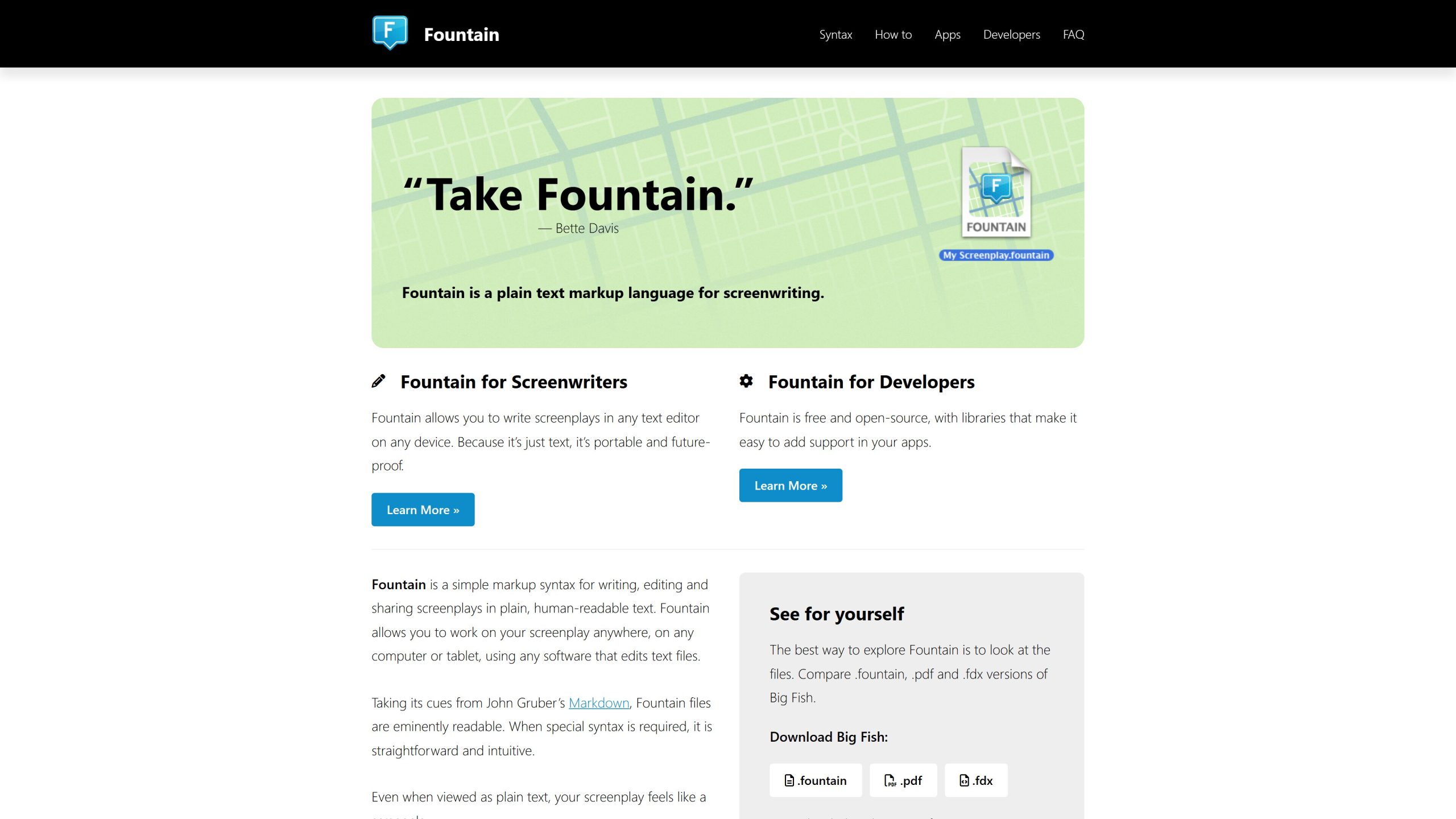
Learn about Fountain at fountain.io
The best part is: Your files stay readable outside your preferred text editor!
For example, Final Draft uses an XML-based format, called .fdx.
This would be much harder to edit raw, using a text editor, compared to Fountain.
To compare easier, here is the same script from above, but in fdx:
<FinalDraft DocumentType="Script" Template="No" Version="1">

<Content>

<Paragraph Type="General">

<Text AdornmentStyle="0" Background="#FFFFFFFFFFFF" Color="#000000000000" Font="Courier" RevisionID="0" Size="12" Style="Bold">FADE IN</Text>

</Paragraph>

<Paragraph Number="1" Type="Scene Heading">

<SceneProperties Length="5/8" Page="1" Title=""/>

<Text>A RIVER.</Text>

</Paragraph>

<Paragraph Type="Action">

<Text>We’re underwater, watching a fat catfish swim along. </Text>

</Paragraph>

<Paragraph Type="Action">

<Text>This is The Beast.</Text>

</Paragraph>

<Paragraph Type="Character">

<Text>edward (v.O.)</Text>

</Paragraph>

<Paragraph Type="Dialogue">

<Text>There are some fish that cannot be caught. It’s not that they’re faster or stronger than other fish. They’re just touched by something extra. Call it luck. Call it grace. One such fish was The Beast. </Text>

</Paragraph>
Turn VS Code into a Free Screenwriting Software!
You can choose either the official VSCode, or an Open Source fork, such as VSCodium (more about it HERE). I’ve tried Eclipse Theia too, but the extension didn’t work the best. The best part of VS Code is the ability to choose your themes, so you can easily tweak it to your liking. But most importantly, to write Fountain, you’ll need an extension (kinda like the Ctrl+K, V Markdown preview).
Better Fountain
This is the extension, that turns VS Code into your screenwriting powerhouse! It offers syntax highlighting, autocomplete, full screenplay outline, PDF generation, even approximation of a screenplay’s duration. You also get a live preview (an approximation of the screenplay’s layout, not perfectly identical to the PDF, but updates live as you’re typing) and PDF preview (exactly identical to the rendered PDF, but only updated when the file is saved).
This extension erases all the remaining issues people used to have with Fountain (it was mostly the lack of page numbers).
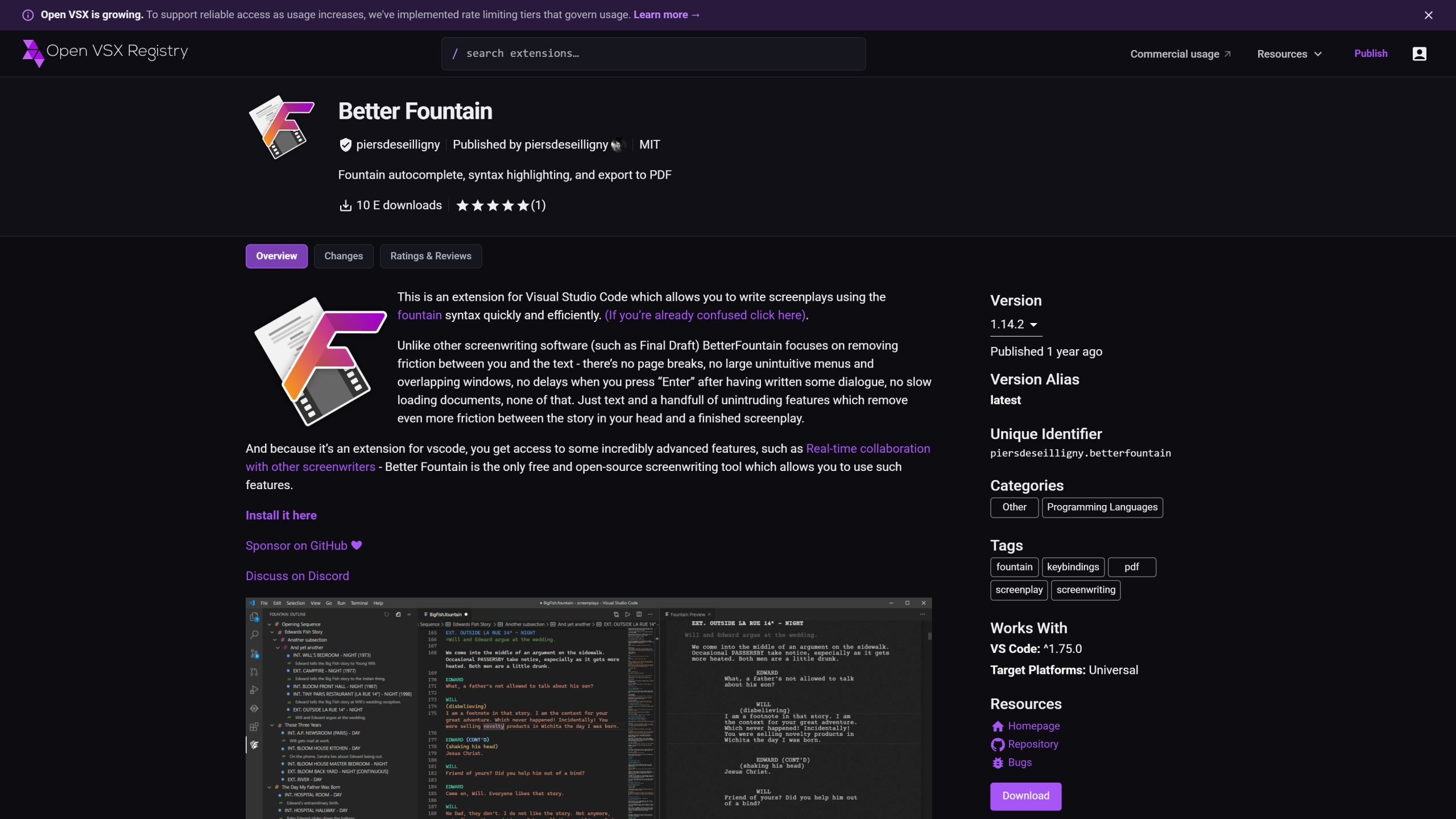
Better Fountain on OpenVSX
Track Every Draft with Git and Codeberg
In order to track these text files, I just made a git repository and use VSCode’s built-in git to track my changes. Git records how the screenplay changed, so you can compare earlier versions without replacing the current file. If you want to experiment with different scenarios at some point, just make git branches and merge the „winner” back to main after the experiment!
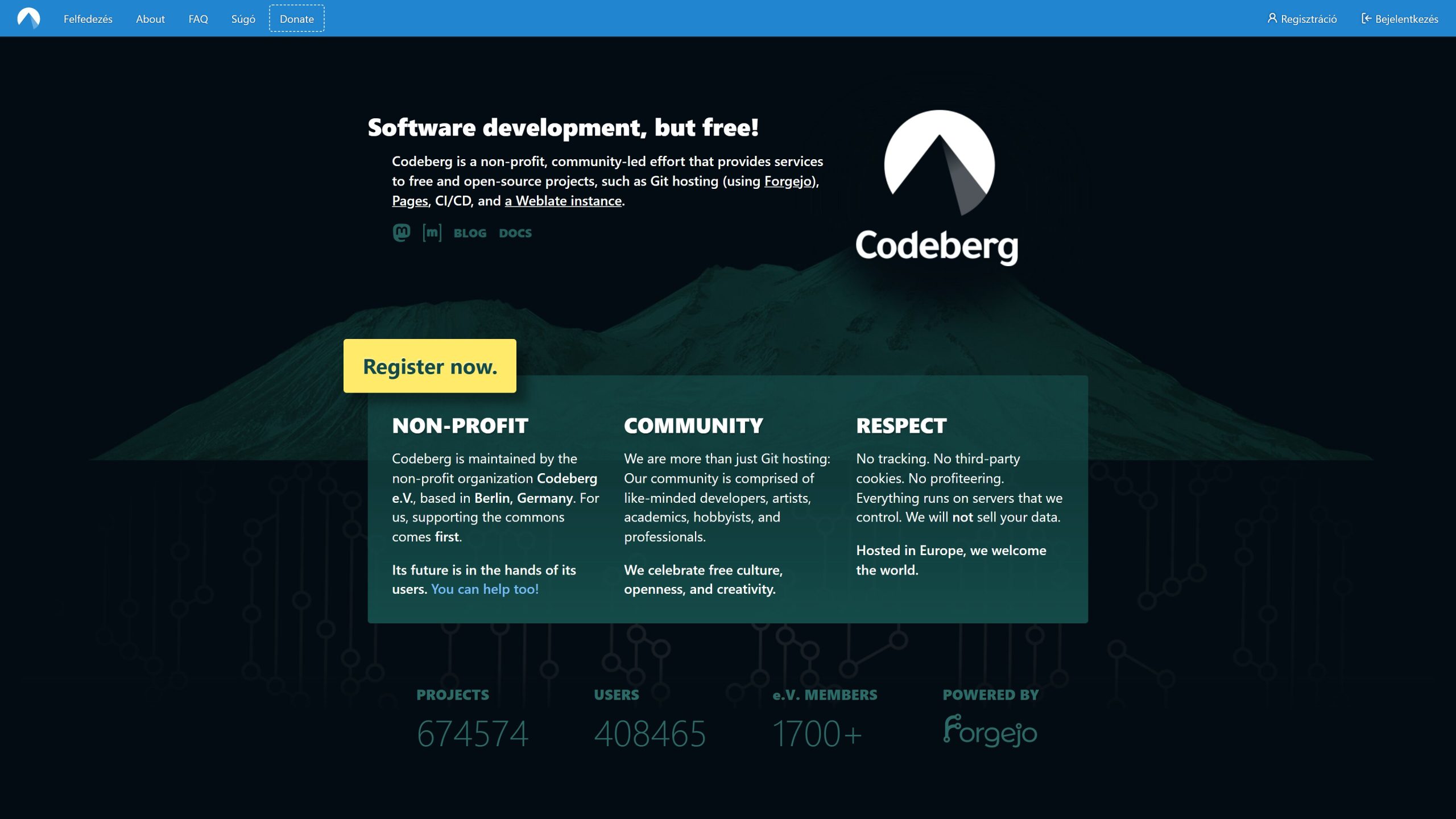
Of course, you can use GitHub, GitLab or anything you want, I just love the philosophy of CodeBerg and the fact that it is hosted in Europe and ran by a non-profit organization.
What if I need an fdx file?
Easy, I mentioned Trelby earlier, which is a cross-platform screenwriting software. The best part: it can import/export Fountain and fdx too! So just import the Fountain file and export it into an fdx file! That’s it!
Conclusion: Keep the Writing Yours and the Workflow Replaceable
Fountain keeps screenplay content readable and portable.
VS Code provides a light writing space, while Better Fountain adds current Fountain-focused support.
Git preserves meaningful draft history, and Codeberg offers a private remote copy without forcing you into a subscription service.
The flow couldn’t be easier: Start with VS Code and Git, create a Fountain project, install Better Fountain, and test a short scene.
If you’re content, initialize the repository, create a private Codeberg project, push the source, and repeat the save, commit, preview, and backup routine.
The most sustainable screenwriting setup keeps the script accessible, recoverable, portable, and under your control. No vendor lock-in, just pure creativity matching your workflow!