
During recent times, if you are in the world of Machine Learning and Artificial Intelligence, you must have heard some fairly new abbreviations, such as: NPU and TPU. In this article, I’d like to give you a quick rundown of these while comparing it to traditional processors: CPU and GPU. I hope this will help you find out the most important aspects of these hardware components, so you can choose the best tool for the job later on. Without further ado, let’s get started!
CPU: the OG, the brain
CPU stands for „Central Processing Unit”, often referred to as the „brain” of the computer, as this is arguably the most integral part of a machine. It handles arithmetical and logical operations, it runs the machine code itself, so in short: it keeps everything up and running.
When you open a browser to read this article…a CPU makes it happen
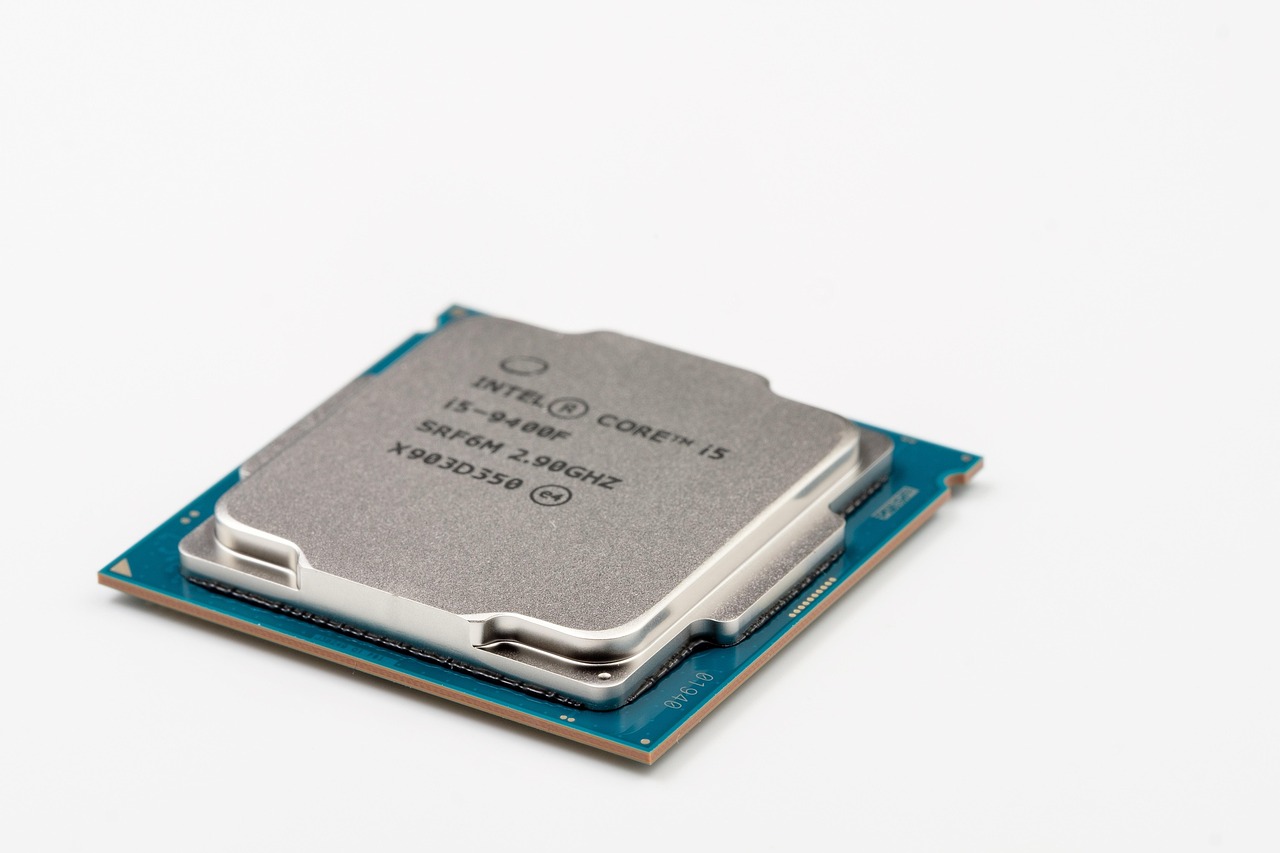
Modern CPUs
As opposed to old single core CPUs, modern CPUs have numerous so-called cores, which can almost be viewed as mini-processors, in a sense, that it allows the CPU to handle multiple tasks at once. When you write for example a simple script, it will utilize only one core by default, but if you use a tool like Polars, that will take advantage of numerous cores.
An important aspect of a CPU is the clock speed, which is measured in GHz and cache size, which allows for swifter data access.
Usage of CPUs
As I mentioned, its an integral component, they can be found in smartphones, PCs, laptops, servers, it is the hearth of most of these devices
Examples: Intel’s „Core I” and „Ultra” family, or AMD’s „Ryzen” and „AI” line.
GPU: the Parallel Powerhouse
GPU stands for „Graphical Processing Unit”, originally designed for graphics processing (as the more smooth edges of for example a video game character requires more polygons which needs many small operations). You are right to ask me if they are this good at parallelism, why do we still use CPUs?
Well, they differ slightly: CPUs have only a few cores, which can handle more complex tasks, as opposed to GPUs, which are designed for numerous small tasks (for example one part of a matrix multiplication is a multiplication of two corresponding elements of a matrix).
Originally for graphics, their parallel nature makes them a popular option for parallel programming and parallel tasks. See: Cryptocurrency mining and Artificial Intelligence
It’s not surprising to find out why AI refrains from using CPUs, just try running a fairly simple neural network on CPU and then GPU…trust me, you’ll feel the difference!
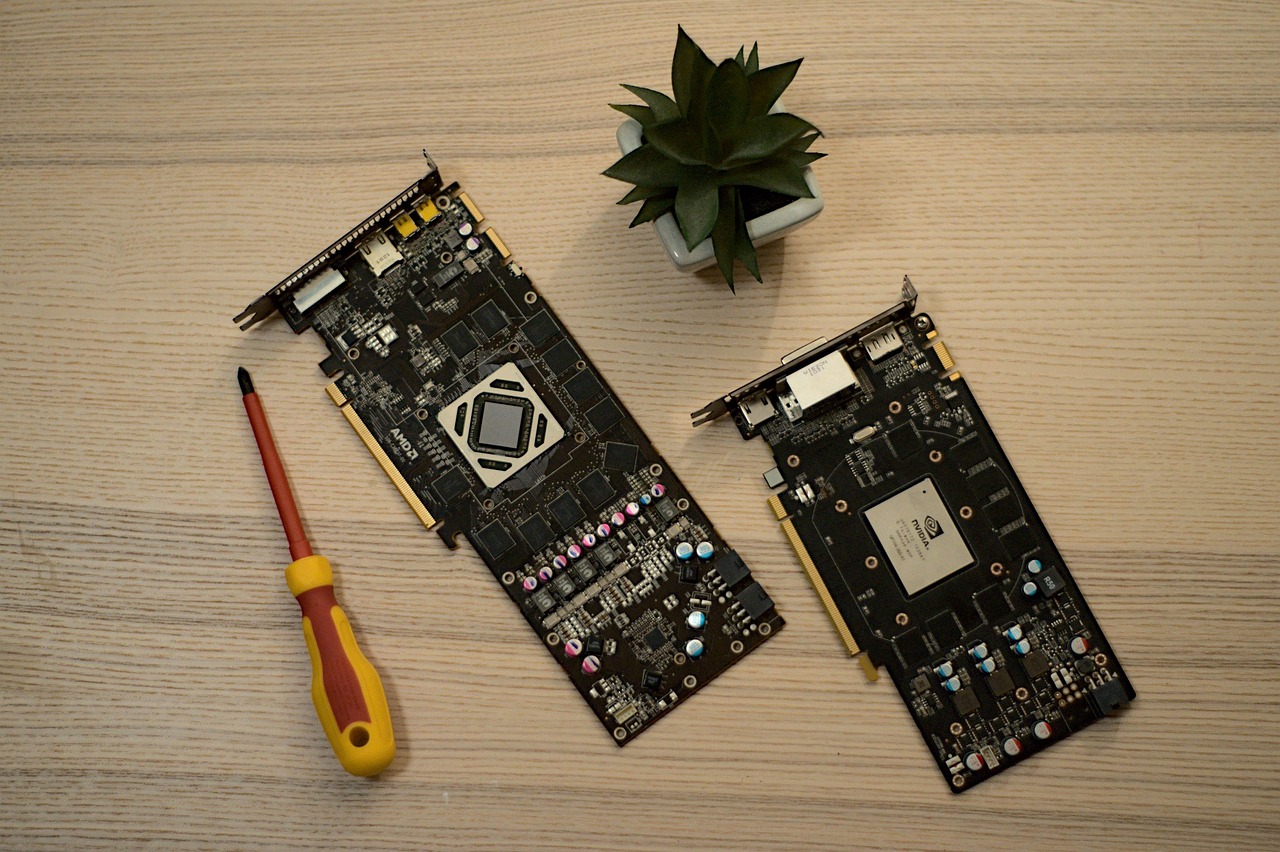
A bit more about its parallelism
The thousands of small cores a GPU has, are called CUDA cores in NVIDIA devices and Stream Processors for their AMD counterparts. These are the ones allowing GPUs to handle a ton of small operations simultaneously, and as matrix multiplication is an integral part of Neural Networks, GPUs are the go-to
Beyond graphics
Beyond graphics (OpenGL, DirectX, Vulkan), GPUs are loved by Cryptocurrency Miners, people working in scientific modeling and simulation. Let’s just think about JAX, which has a numpy-compatible API (jax.numpy abbreviated as jnp), which can speed up scientific calculations too.
Examples: Nvidia’s GeForce and Quadro series, AMD’s Radeon series, or Intel’s ARC
NPU: AI accelerator
Standing for „Neural Processing Unit”, it’s a processor made specifically for speeding up AI workflows. It handles one of the core models of Artificial Intelligence: neural networks. It is more like a so called co-processor, rather than a standalone one, which is not uncommon if you know about early computers. There used to be an FPU (Floating-Point Unit) aimed to help floating-point operations. These are nowadays come integrated to a CPU and I believe NPU will follow the same path. For example, my laptop’s Ultra 7 came with a built-in NPU.
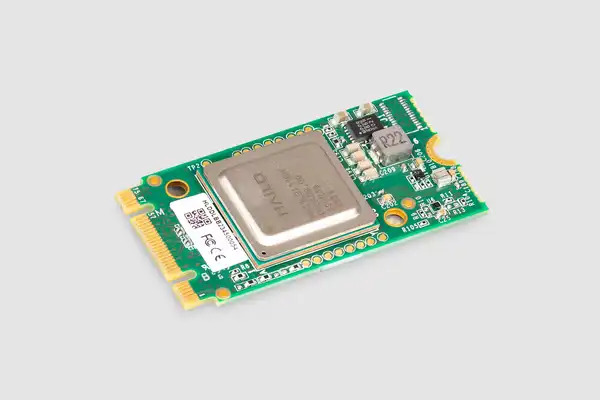
Hailo AI acceleration module for use with Raspberry Pi 5, source: Raspberry Pi
Key role
A great co-processor for on-device AI tasks, such as facial recognition and voice commands, or autonomous cars and smart edge cameras. Mind you speeding up on-device AI is crucial to maintain privacy of critical AI systems.
Examples: Huawei’s Kirin chips, Intel and AMD’s new line of CPUs, Apple’s neural engines.
TPU: Google’s answer to AI processors
TPUs (Tensor Processing Unit) was crated by Google in order to use them for AI-centric tasks in their data centers. It’s an ASIC chip, allowing high-volume and fast processing of Machine Learning tasks. The goal is to handle large amounts of data with as low latency as possible, all while reducing Google’s dependence on Nvidia’s, and AMD’s GPUs. And as it serves similar purposes of accelerating AI workflows, it can be thought of as an NPU (meaning NPU as a larger set, containing TPUs as a subset).
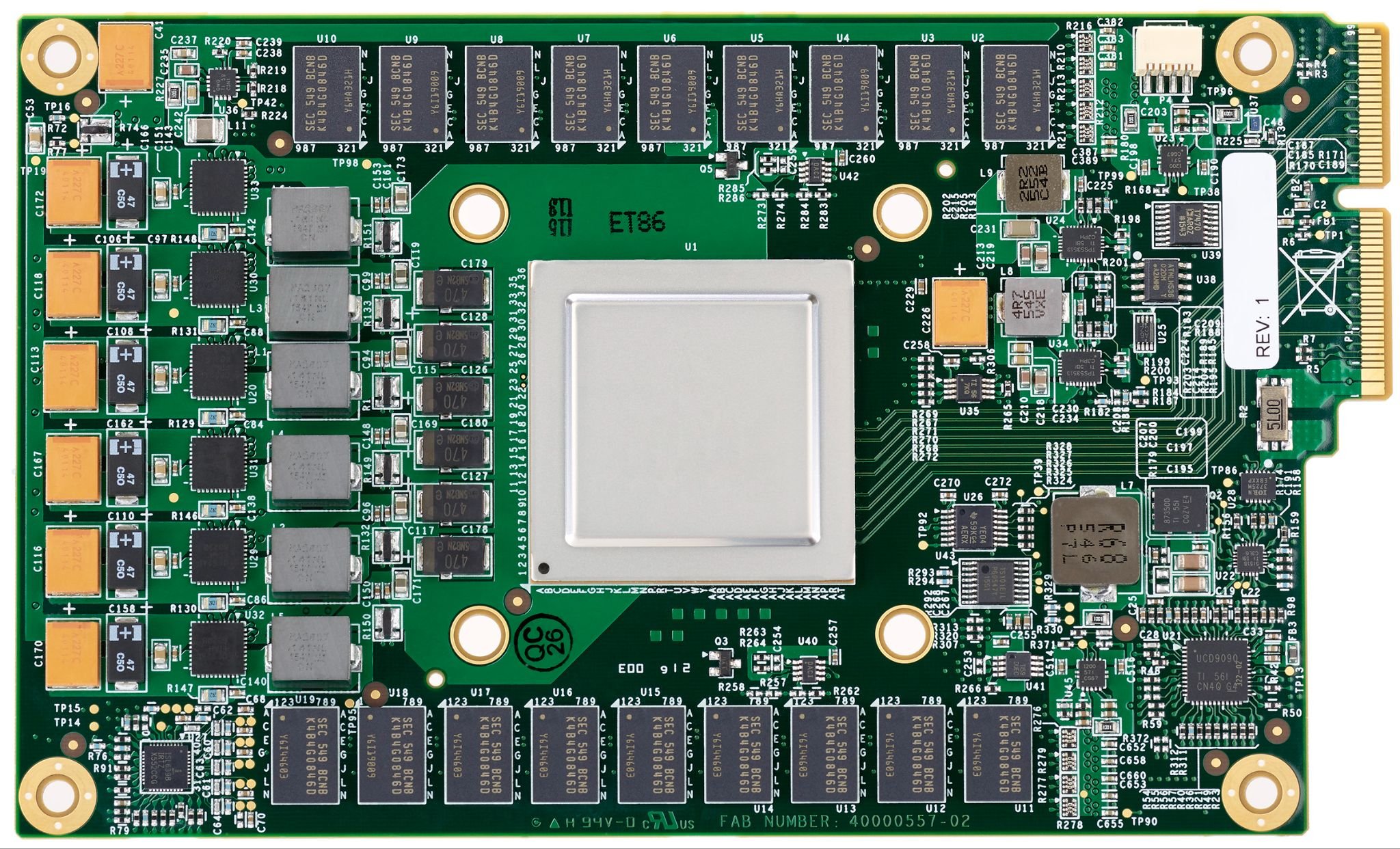
A Google TPU, source: Google
Applications
Google handles almost all of its in-house AI workflow with TPUs, like Search, Photos, and GCP’s AI services. Helps Google process massive data sets quickly, making their AI models more powerful. Even for Google Colab’s free version, you can try out a TPU yourself, I recommend trying it with a Google-made tool, like JAX. The tradeoff is that they are not nearly as weel-adopted as cuda for Neural Network Libraries.
CPU vs GPU vs NPU vs TPU
| Feature | CPU | GPU | NPU | TPU |
|---|---|---|---|---|
| Main use | General-purpose, multitasking | Graphics, parallel tasks | AI inference, ML tasks | Large-scale AI, deep learning |
| Architecture | Multi-core, complex cores | Thousands of small cores | Tensor processors, specialised | Tensor cores, systolic arrays |
| Power efficiency | Moderate | Less efficient for AI | Very efficient in AI tasks | Very efficient in large AI workloads |
| Best for | Everyday computing | Gaming, simulations | Mobile AI features | Data centres, massive AI models |
To sum this table up: each processor has their own respective roles. CPUs are your everyday workhorses, GPUs handle graphics and heavier calculations, NPUs accelerate AI on devices, and TPUs power massive AI in Google’s cloud data centres.
Conclusion
From the CPU all the way to the TPU, each processor has their strength and weaknesses. It’s crucial to use the right tool for the given task, and sometimes to take a look if our already existing infrastructure (CPUs and even GPUs are almost in all devices) is sufficient. You see, it matters if your goal is to upgrade your home PC to run small AI models, build a smart camera on edge (to for example detect insects caught by a trap on a plantation), or a huge data center for Google, selecting the right processor is crucial to use resouces as efficiently as possible.