
This is a post a bit different, than the topics I usually cover, but still raltes to it to some extent, as I recently got into photography, which was by far my favourite branch of art besides music since I was a kid, clicking the plastic point and shoot camera on a kindergarten trip circa 2008…
I always thought of sharing my pics someway to at least show my art to the world, but after building multiple websites, I realized the biggest issue for a photo portfolio: image sizes. Of course, I can’t use the same optimization I’d use for a blog’s stock photos, or graphics.
The other issue photographers face is the hefty licence cost that comes with professional raw developer apps, not to mention you can only use them while you pay, you own nothing.
The best news: by utilizing the power of Open source, you can build a portfolio and color correct images without spending a single cent!
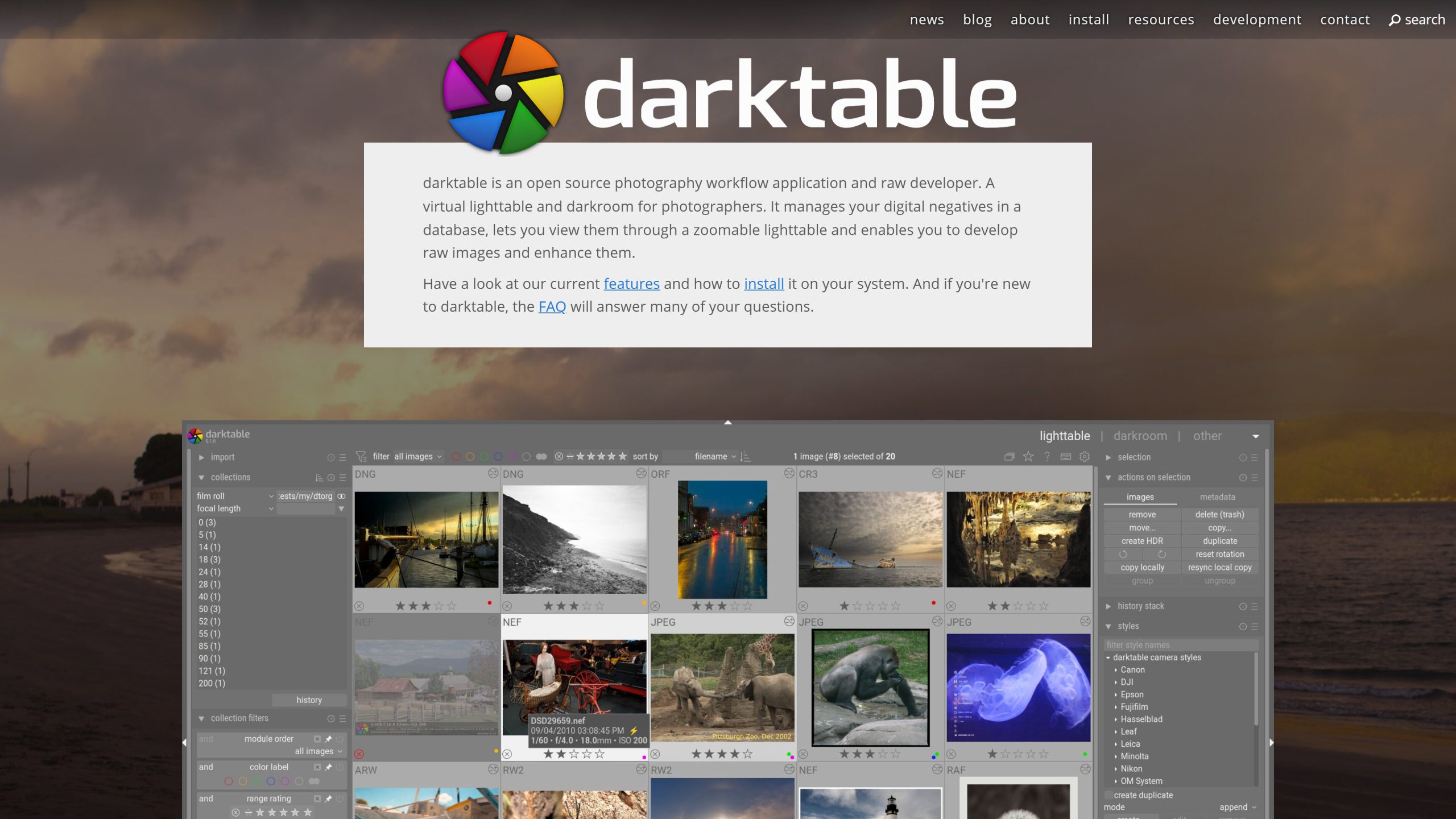
There are two great Lightroom alternatives, one of them being RawTherapee, but according to multiple users, it’s more focused on individual, fine-grained image correction, as opposed to Lightroom’s batch-focused workflow. That’s where Darktable comes into play!
It closely resembles the UI of Lightroom Classic and its philosophy is much closer to Lightroom’s, than RawTherapee. It also has more contributions and starts on GitHub, which usually means a faster development and shipment of fixes. One thing it lacks is a robust keywording functionality, which is an essential tool for a stock photographer for example, who relies on keywords to rank well on different stock marketplaces…
That’s where the next software comes into play!
digiKam: professional photo-management and keywording for free
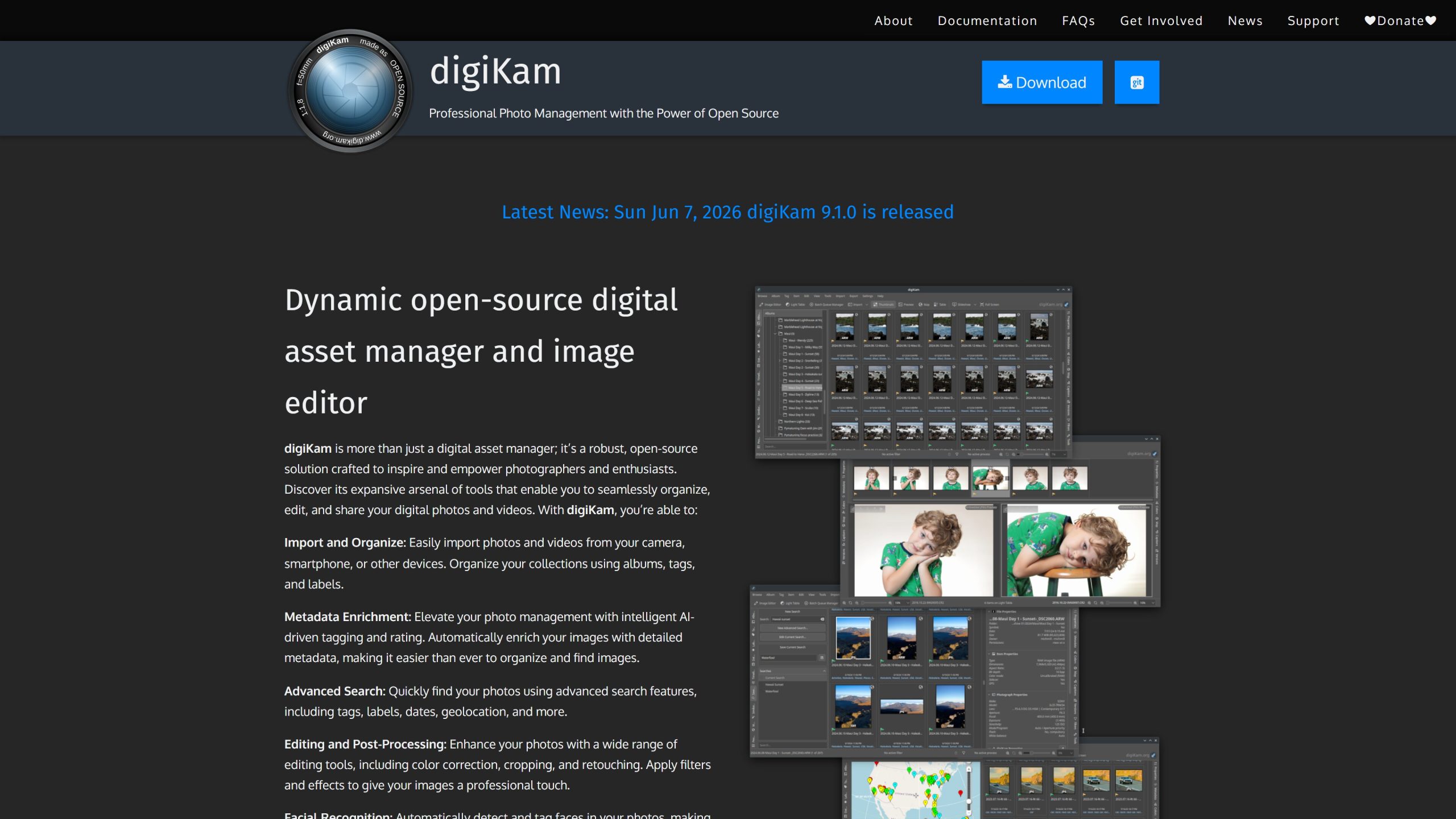
Digikam by far is the best open source tool, if you want to manage photos on a tight -or zero- budget.
According to its website, its features include, but are not limited to:
- Importing and Organization
- Metadata Enrichment (even AI-driven tagging!)
- Advanced Search:
- Editing and Post-Processing
- Batch Processing
- and even facial recognition!
It offers an excellent keywording arsenal, complimenting Darktable really well!
A great pipeline could be:
Doing keywording & DAM in digiKam, while handling RAW processing & batch export
in Darktable (but of course, feel free to adjust to your needs)
Pixelfed + Portfolio feature: Easy, Fast, Free Portfolio Solution
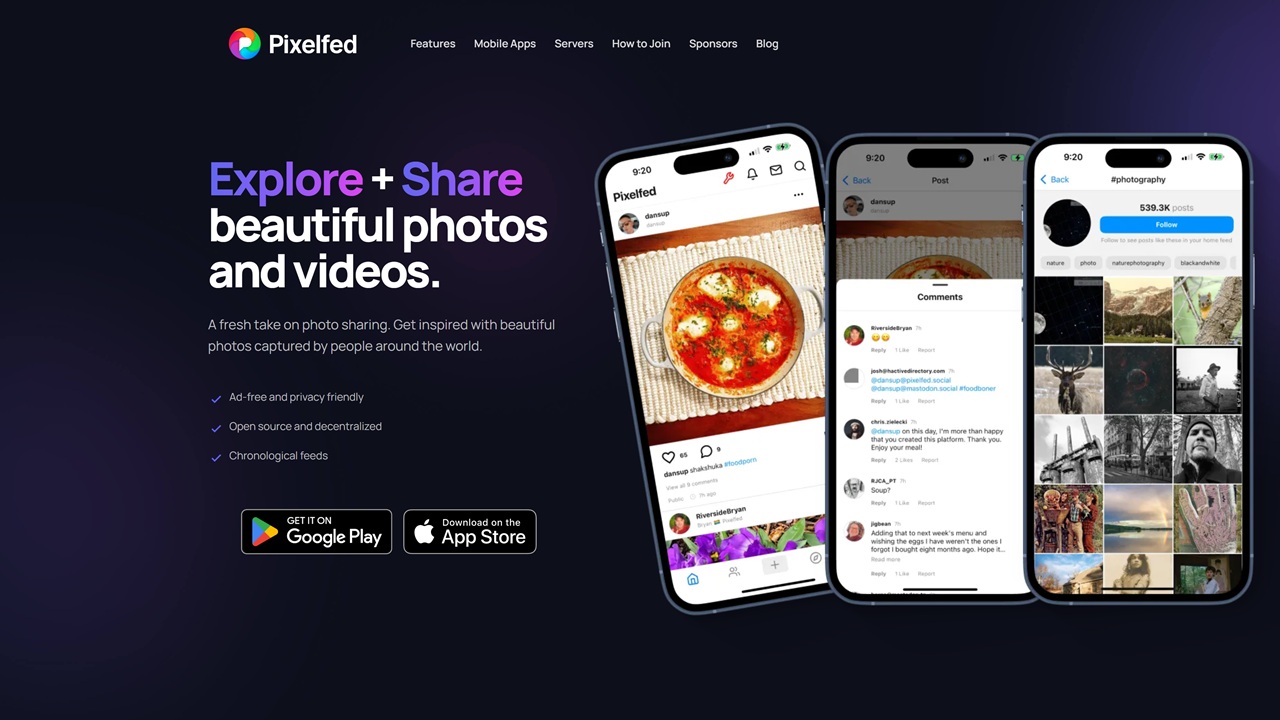
I have already talked about Pixelfed in a previous post about European social networks, but for the newbies here: Pixelfed is an Instagram clone, but lacking one central server, instead using multiple, interconnected instances. It’s a great app and you can choose from a ton of instances to start with (I recommend pixey.org and metapixl.com).
But I didn’t mention before, that it has an awesome feature: portfolio mode!
It is a bit of a hidden feature, but you can launch the portfolio app from the web client when logged in. When done, it lets you choose your featured images (use “Curated posts” for “Portfolio Source”), while also allowing you to tailor your portfolio: layout, ordering, colour scheme. Yes, it lacks some features more powerful tools have, such as additional information pages, but it’s great for a hobbyist, or someone longing for a distraction-free portfolio site without spending anything. So even if you already have a site listing your services, prices, contact info, a Pixelfed portfolio is great for a streamlined art showcase!
Of course, you can add an „About Me” section, buttons and things like that without any issues…
Ubuntu Studio: The Open Source OS for creatives
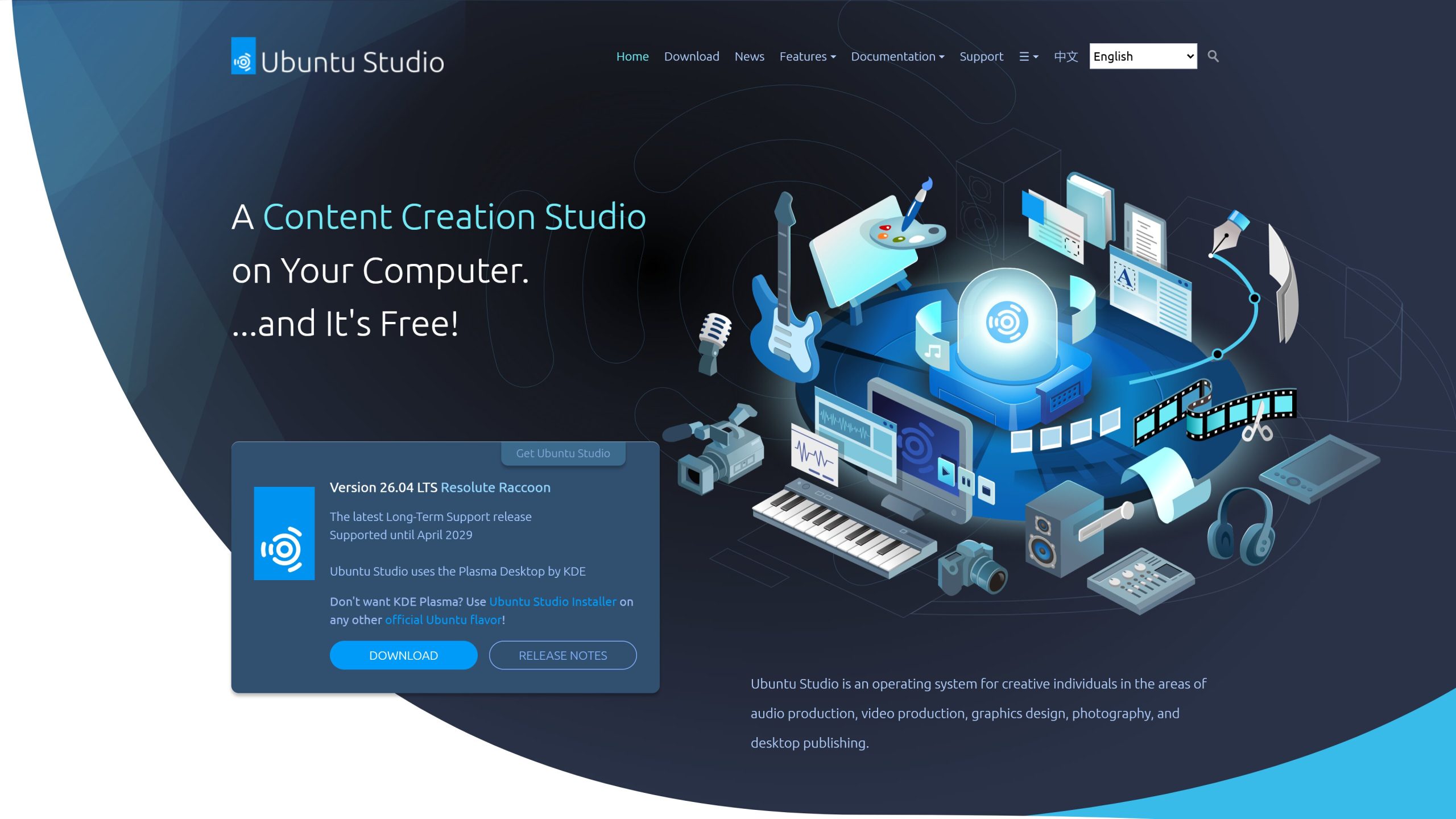
If you’re looking for a full suite for your creative work, and want a more lightweight operating system for your work, I recommend the world of Linux!
The apps I talked about above are multi platform, meaning you can run them on Windows and Linux without any problems, but Linux systems allow you to give a new purpose to older laptops and computers by turning them into your creative workstation.
Of course, you can just install these apps on most linux distributions without any issues (to be honest, that can yield you a much less bloated system), but Ubuntu Studio provides these out of the box (along with some kernel tweaks). It’s an even better choice if you also make music or edit videos too.
Conclusion
The DigiKam, Darktable, Pixelfed Portfolio (and Ubuntu Studio) offers a great free photography stack, allowing anyone to showcase their art without any further costs.
If you’re someone who prefers minimalism and want a streamlined, minimal, clutter-free portfolio without breaking the bank, I recommend this stack…not to mention, that it allows you to try out if this photography thing is really for you without buying applications and hosting a web page (and I haven’t mentioned hiring a developer to create one for you).
Photo portfolio without a hefty investment!